2026-11-18
Best Manufacturing Website Design Examples for OEM Export Desks
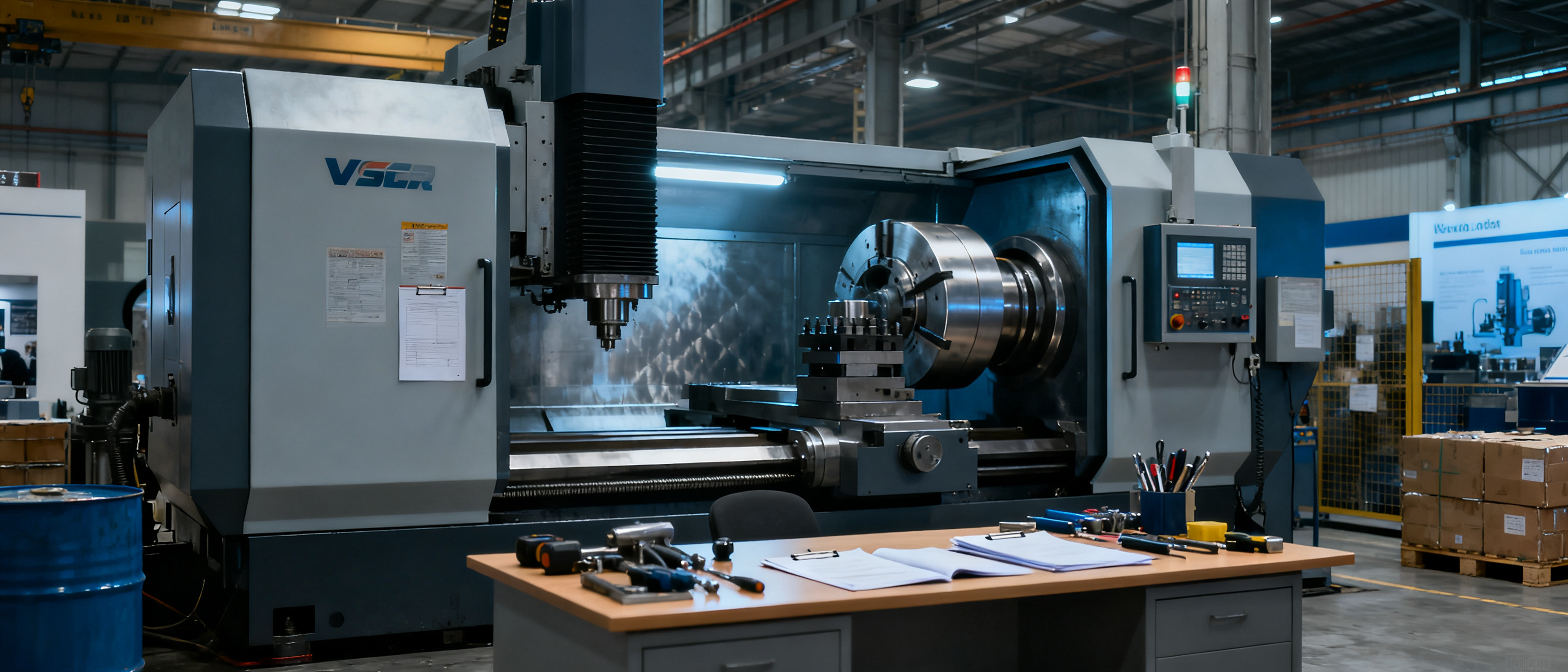
If you’ve been hunting for the best manufacturing & industrial website design examples, you’re already making a smarter move than most export desks. The right examples can show you how to present your capabilities, certifications, and real factory floors to buyers who scan a supplier site in ten seconds. But here’s the catch: a great example won’t save you if you copy it without knowing what it costs to keep it in shape. This guide looks at what OEM and small‑B manufacturers should actually steal from well‑crafted industrial sites—and why the maintenance footprint of a beautiful design can quietly turn into a liability.
Why the Best Manufacturing & Industrial Website Design Examples Matter (but Don’t Copy Blindly)
Good examples answer the buyer’s unspoken questions before an inquiry is ever sent: “Are you a real factory? Can you handle my order? Will you be easy to work with?” When an export desk studies a site that balances production proof, product scope, and clear contact paths, they see a trust blueprint they can apply to their own English presence. That’s the value.
The risk is that manufacturing websites are not purely aesthetic objects. A design heavy on parallax animations, dynamic mega‑menus, or a custom product configurator can look impressive, but it often inherits a fragile stack of plugins, scripts, and manual content panels. If you cannot maintain that stack yourself—or you don’t have a dedicated website team—remixing the example often means remixing the maintenance debt, too. So treat the best manufacturing & industrial website design examples as a source of clarity patterns, not a full‑stack clone target.
What to Look for in an Industrial Website Design That Builds Trust
When you evaluate a manufacturing website example, focus on the elements that actually influence a procurement scanner’s decision in the first five seconds. These trust signals are what you want to borrow and adapt:
- Real production photos, not stock library images. A few unpolished shots of your workshop, quality‑inspection bench, or shipping bay beat a dozen glossy renders. Buyers want proof of factory capability.
- Certifications and compliance badges placed near the top fold. ISO, CE, UL, RoHS—these marks are scanning cues. If the example buries them, rethink that layout.
- Clear capability language, not marketing‑only prose. Phrases like “we do CNC turning up to 300 mm diameter,” “injection molding machine 5‑set,” or “K‑grade cables, MOQ 1000 m” are more useful than corporate‑sounding mission statements.
- A quote‑oriented contact path, not just a generic form. The best examples pair a prominent “Request Quote” button on each product or solution page with alternative touchpoints like WhatsApp or a short email link.
- Mobile‑readable bucket‑sized thumbnails. Buyers on phones inside a trade show hall need to tap product categories fast. A desktop‑first layout that shrinks to an endless scroll kills scannability.
- Lightweight, maintainable structure. Check if the example relies on dozens of external dependencies, heavy page builders, or a server‑side CMS that demands regular updates. If you cannot tell whether a site is simple to update, assume it is not.
3 Manufacturing Website Design Examples That Balance Clarity and Credibility
Below are three real‑world website patterns observed across OEM and small‑B supplier markets. Each example highlights trust‑building elements and the typical maintenance realities that come with them. (Names are anonymized to focus on the pattern, not the specific company.)
| Example | Sector | Trust signals deployed | Maintenance burden |
|---|---|---|---|
| A. Static precision shop | CNC machining & hardware | Workshop photos on each process page, ISO banner, spec tables, direct email for RFQs | Low (static HTML), but design updates require re‑coding |
| B. WordPress equipment builder | Packaging machinery | In‑operation video, downloadable brochures, regional service‑contact list, GDPR‑light cookie notice | High (theme + 18 plugins, monthly update cycles) |
| C. Wix‑based injection molder | Plastic injection molding | Clean product card layout, certifications stacked in footer, WhatsApp chat widget, fast‑load mobile view | Medium (visual builder ok, but content remixing still time‑sinks) |
Example A – The static precision shop
This CNC machining factory used a simple multi‑page HTML site, hand‑built by a local freelancer. Each page (Turning, Stamping, Surface Finishing) opened with a real photo and an equipment list. ISO 9001 and ISO 14001 badges sat next to the company name. The contact page had a short form and a direct Gmail address. For a small RFID/Q ad hoc buyer, this felt credible in seconds.
What’s worth stealing: the clarity of “what’s made here” right at the top, and the refusal to bury certifications. The maintenance burden was the smallest of the three because there was no CMS dashboard to break. The downside: adding a new machine or a new service page meant asking the freelancer again—low‑maintenance but not self‑service.
Example B – The WordPress equipment builder
This packaging machinery manufacturer invested in a custom‑theme WordPress site with a hero video of carton‑sealing machines in motion, deep product‑detail pages with specification tables, and a resource library of PDF brochures. The site looked authoritative, and the regional contact list showed after‑sales offices in Southeast Asia and the Middle East—a real trust driver for B2B buyers worried about service.
The hidden cost: the theme and 18 active plugins required monthly updates. Plugin conflicts occasionally broke the brochure download section. Because the company didn’t retain the original agency on a maintenance contract, the export manager often let those updates pile up, making the site gradually less reliable. The best manufacturing & industrial website design examples from this case show how a feature‑rich presence can crumble when the post‑launch plan is missing.
Example C – The Wix‑based injection molder
A small plastic injection molding supplier used Wix to create a bright, card‑style site with easily scannable product families (automotive connectors, medical device housings). Certifications like UL and REACH were visible in the footer, and a WhatsApp widget allowed instant chat. Because the builder automatically compressed images and handled mobile responsiveness, the site felt fast even on a 4G connection at a trade fair.
The maintenance side: while the drag‑and‑drop builder let the factory staff change a product photo, adding a new product line with proper layout consistency still took significant time. The design started to drift as different team members adjusted sections without a style guide. This example demonstrates that even the most user‑friendly DIY canvas can turn into a maintenance trap when an export desk needs to stay focused on production, not on pixel‑pushing.
When Remixing a Design Example Creates More Work Than It Saves
It’s easy to fall in love with a manufacturer website that feels polished and say, “Give me exactly that.” But directly cloning an example almost always over‑engineers the maintenance commitment. A factory that needs only a thin, credible English frontage—company facts, solutions, certifications, clear inquiry call‑to‑action—may find itself saddled with a WordPress theme update schedule, premium plugin subscriptions, or a Wix/WP builder interface that demands constant design attention.
The core trade‑off is between design freedom and maintenance simplicity. Platforms like Wix or WordPress excel when you need creative control and the ability to iterate pages frequently. But if your goal is to convert a fixed set of manufacturing facts into a lasting buyer‑facing presence, the blank canvas quickly becomes a second job. According to web.dev’s Core Web Vitals guidance, even minor layout shifts and loading delays—often introduced by builder‑heavy sites—can erode user trust before a buyer reads a single specification.
For manufacturers who don’t need full creative control, B2B Frontage provides an opinionated frontage that turns business facts into a publish‑ready site, without the maintenance of a DIY builder. The Auto $59 plan from B2B Frontage offers a managed manufacturer showcase that includes a brochure and digital card, so you skip the design remix entirely and have an updated presence as soon as your supply information changes. That isn’t the right fit for every scenario—some factories legitimately need a custom CMS, multi‑language glossaries, or a bundled e‑commerce engine—but for the export desk that values “set and forget over setup and maintain,” it’s worth contrasting with the example‑clone route.
FAQ
Should I just buy a WordPress theme that looks like a manufacturing website I admire?
Not without auditing the theme’s maintenance footprint first. Many premium manufacturer themes bundle a visual page builder, slideshow plugins, and custom post types that will stop working seamlessly if the developer abandons support. Ask yourself: who will perform the monthly core, theme, and plugin updates? If the answer is “nobody,” even a beautiful theme will quietly age into a security and performance liability.
How do I know if a manufacturing website design example is actually effective, not just pretty?
Look for signals of real buyer interaction: are there repeat RFQ patterns visible in the testimonial section? Does the site reference actual industries served or only vague “high quality, competitive price” claims? A genuinely effective design often has slightly imperfect photos, technical parameters that answer a sourcing engineer’s questions, and contact paths that work even when cookies are blocked. If the example feels like a polished landing page with no depth, it probably benefited the designer’s portfolio more than the factory’s sales.
What if I have no design sense and need to get a site live fast?
Start with a managed, opinionated platform that demands no design decisions. The goal is a credible digital frontage—your company name, a short “what we do” statement, a list of capabilities, a couple of real photos, and a way for buyers to reach you. Many export desks waste months refining a website builder template, when a 2‑day setup on a managed service would already perform the key job: giving an overseas buyer a place to verify you exist and understand what you make. Only invest in custom design once there is ongoing traffic and a clear content‑update routine.
References & Further Reading
- B2B Frontage Blog – more stories and practical guides for manufacturer digital frontage
- web.dev – Core Web Vitals: why page experience matters for trust
- Google Search Central – SEO Starter Guide: basics of site structure and crawlability
- Nielsen Norman Group – B2B Website User Experience research highlights
- B2B Marketing – Website Benchmark Report 2023: what industrial buyers expect from a supplier site