2026-09-04
WordPress Maintenance for Enterprise Websites: A Guide for Export Desks
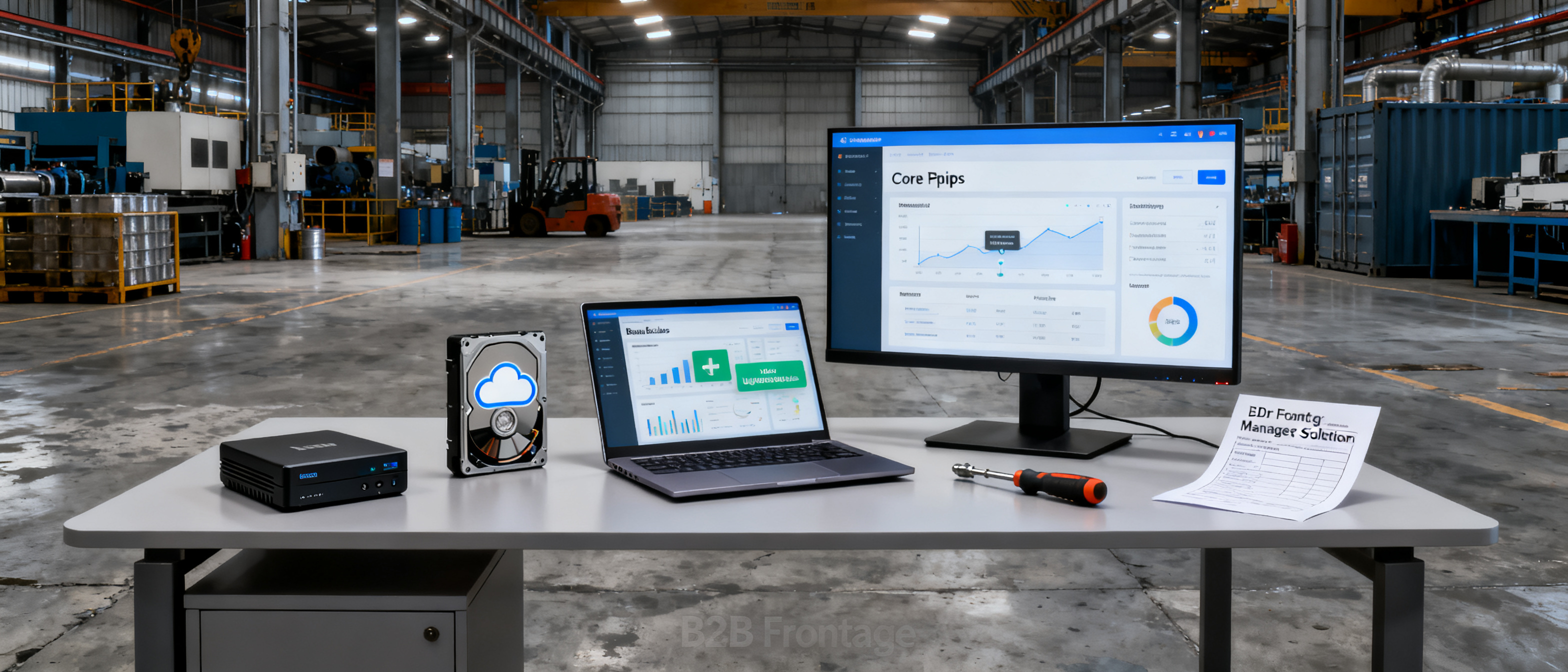
WordPress maintenance for an enterprise website isn’t optional—it’s a daily roster of backups, software updates, security scans, and performance checks that demand ongoing attention. For an export desk at a small OEM or regional manufacturer, the real workload often hits harder than the initial build. This guide spells out exactly what that maintenance cycle looks like, what it costs, and when a fully managed thin frontage makes more sense than a full-blown CMS.
What Does Enterprise WordPress Maintenance Include?
WordPress maintenance for an enterprise website covers a far broader set of tasks than most small-factory teams expect. Even a simple five-page export showcase built on WordPress inherits the same upkeep requirements as a content-heavy corporate portal. The core responsibilities fall into these buckets:
- Core, plugin, and theme updates – WordPress releases minor updates roughly every two weeks and major versions 2–3 times a year. Each plugin and theme follows its own release cadence. Skipping a security patch for a plugin like a contact form or slider can leave a site open to known exploits.
- Daily off-site backups – Real-time or scheduled backups of the database and all files, stored separately from the hosting server. A factory that discovers a corrupted update on a Friday afternoon needs a restore point that’s hours old, not days.
- Uptime monitoring and incident response – A site that shows a fatal error or a white screen during a buyer’s 10-second scan loses trust instantly. Monitoring tools (e.g., UptimeRobot, Pingdom) combined with a plan for fast rollback or rebuilding are part of the maintenance stack.
- Security hardening and malware scanning – Brute-force login attempts, XML-RPC attacks, and malicious file injections are routine. A maintenance routine includes firewall rules, two-factor authentication, and scheduled scans with a service like Wordfence or Sucuri.
- Performance optimization – Caching configuration, image compression, database cleanup, and CDN setup all degrade over time if left unattended. Google’s Core Web Vitals thresholds (LCP ≤2.5s, INP ≤200ms, CLS ≤0.1) are a moving target, and a site that once passed can fall behind after a few plugin updates.
- Broken link and redirect management – Links to product datasheets, certifications, or partner pages break silently. Maintenance includes checking internal and external links quarterly.
- SSL certificate renewal – While many hosts auto-renew Let’s Encrypt certificates, custom setups or paid certificates still require manual oversight.
For a factory export desk, someone must own this checklist. It’s not a one-time setup.
The Hidden Costs of DIY Maintenance for a Small Factory Site
Small manufacturers often assign the “website person” role to an export-sales employee who already handles inquiries, quotations, and shipping documents. The hidden cost isn’t the hosting bill—it’s the diverted attention and the risk of an unmaintained site crumbling under a routine update.
A realistic monthly time budget for a thin WordPress export showcase (5–8 pages, 5–10 plugins) looks like this:
| Task | Average time/month | If outsourced (est. cost) |
|---|---|---|
| Core/plugin/theme updates + test | 1.5–2 hours | $25–$50 |
| Backup verification | 0.5 hours | Included in plan |
| Security scans + log review | 1 hour | $15–$30 |
| Uptime check + incident fix | 0.5–1 hour (avg) | $20–$60 per incident |
| Performance tuning (quarterly) | 1 hour (amortized) | $30–$50 |
| Content/link updates | 0.5–1 hour | $15–$25 |
DIY maintenance by a non-technical team member can easily consume 4–6 hours per month. At an opportunity cost of $25–$40 per hour, that’s $100–$240 monthly in diverted sales time. If the same factory outsourced everything to a WordPress maintenance agency, the typical retainer for a small site runs $79–$150 per month. That’s before the cost of premium plugins, security subscriptions, or a staging environment.
More critically, an unmaintained export site can become a liability. A hacked site that distributes malware gets blacklisted by Google, and a buyer who sees a warning screen will not return. The factory’s own domain reputation can take months to recover.
When WordPress Makes Sense (and When It’s Overkill for an Export Showcase)
WordPress is a legitimate choice when a manufacturer genuinely needs the flexibility of a blank canvas. Scenarios where WordPress earns its maintenance overhead include:
- A multi-language site targeting buyers in four or five regions with locale-specific content and URL structures.
- An export desk that publishes weekly technical articles, case studies, or a knowledge base to attract procurement engineers.
- Integration with a WooCommerce catalogue, custom quote forms, or a CRM that pushes leads to the sales team.
- Complex product taxonomies with custom fields, parametric search, and downloadable data sheets that require advanced custom post types and ACF.
In these cases, the factory probably already has, or needs to hire, a dedicated web person or agency. The maintenance burden is a cost of doing business.
However, a large share of small OEM and export factories simply need a thin, credible English frontage: a home page that tells a buyer what the factory makes, a solutions or capabilities page, an about page, and a contact form. No blog, no multi-currency store, no logged-in user area. For such a site, WordPress introduces a disproportionate amount of upkeep. The same factory that needs a 10-second trust signal from a buyer ends up babysitting a CMS that was designed for content publishing. The blank canvas becomes a burden, not a feature.
A Managed Frontage Alternative: No Maintenance Required
For export desks that want a professional online presence without the maintenance treadmill, a managed frontage like B2B Frontage is a deliberate alternative. Instead of a DIY builder where the factory must still configure security, updates, caching, and backups, the platform swallows the technical work. You provide your factory facts once—company details, capabilities, optional certifications, and solution lines—and the system assembles a ready-to-use site, a digital business card, a brochure, and shareable short links.
The Auto $59/yr plan keeps the site online, updated, secure, and performant with no monthly maintenance tasks on the factory’s side. There’s no plugin update, no backup script, and no SSL certificate to track. For a PCB assembly exporter, a live example like this PCB assembly frontage shows what a thin export showcase looks like without any upkeep. It’s a decided scope, not a blank canvas. The factory still owns its domain and content, and the platform handles the rest.
This isn’t a “cheaper than WordPress” argument. WordPress and Wix remain powerful when a site needs custom design, complex e-commerce, or a blog. But for the small manufacturer whose primary goal is a trustworthy, always-online export page that doesn’t demand a website team, a managed frontage replaces the open-ended maintenance checklist with a single annual fee and zero monthly overhead.
FAQ
Do I really need to update WordPress plugins every week?
Not every week, but you should apply security patches within 24–48 hours of release. Plugins that handle contact forms, file uploads, or authentication are frequent targets. A weekly review cycle is a safe minimum. If you skip updates for months, you risk vulnerabilities that automated scanners can find and exploit in minutes.
What happens if I ignore WordPress core updates for a few months?
Your site will fall behind on security fixes and compatibility. A large jump in versions (e.g., from 6.1 to 6.5) can break themes or plugins that haven’t been updated in parallel. Recovering often requires a staging site, manual debugging, and sometimes a rebuild. You also miss out on performance improvements that help Core Web Vitals scores.
Can I automate WordPress backups without a plugin?
Yes, you can set up server-level cron jobs to dump the database and compress the files directory, then push the archive to off-site storage like S3. However, this requires command-line access and scripting knowledge. Most non-technical factory owners rely on a plugin like UpdraftPlus or a managed host’s backup service. Either way, the automation must be tested regularly—an untested backup is no backup.
How much does it cost to hire someone to maintain a small WordPress site?
A freelance maintenance-only plan for a small site typically costs $59–$150 per month. That covers updates, backups, security monitoring, and a small amount of content changes. If you need design changes, custom development, or SEO work, expect to pay more. For a factory that only needs a thin online presence, this monthly fee can exceed the total annual cost of a managed frontage alternative.
References & Further Reading
- Why does speed matter? – web.dev – Google’s research on how page performance affects user trust and bounce rates, directly relevant to export-scanning buyers.
- B2B Frontage blog – More guides on export site strategy, maintenance trade-offs, and managed frontage approaches.
- WordPress Plugin Maintenance Guidelines – Official WordPress.org documentation on how updates and security are handled in the ecosystem.
- Google Search Essentials – Google’s technical requirements for a site to appear in search results, including the impact of hacked or unmaintained properties.