2026-10-30
How Much Does Website Maintenance Cost in 2026?
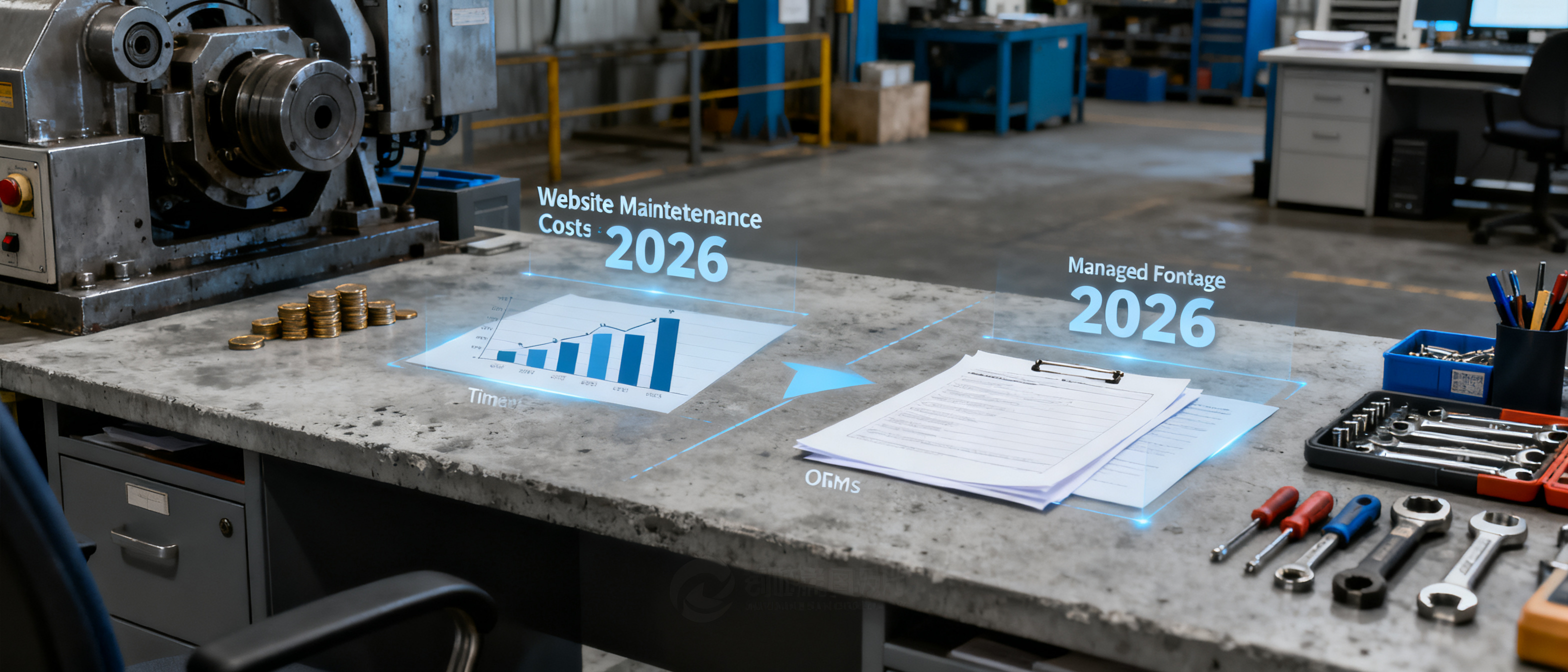
The direct answer to “how much does website maintenance cost in 2026?” sits in a cash range of about $100 to $1,500 per year for a typical small B2B brochure site — but the bigger number the export desk rarely budgets for is time. A domain renewal might be $12, hosting $5‑$15/month, and an SSL certificate free or bundled. Yet keeping a site secure, fast, and indexable demands regular updates, content checks, and occasional plugin repair — work that quietly steals 2‑5 hours a month from the people who should be chasing trade leads. This article breaks down the real costs, the hidden time drain of DIY builders, and where a fixed‑price managed frontage can turn a website from a maintenance chore back into a business asset. For real‑world trade‑offs from OEM teams that have already made that switch, you can browse the B2B Frontage blog.
What You’re Paying For: Domain, Hosting, SSL, and Updates
Every business website, no matter how simple, carries a small set of recurring technical bills. Understanding each line helps you decide whether to pay cash, pay with your own time, or hand the whole stack to a managed service.
- Domain name: $10–$20/year. Registrars like Namecheap or Google Domains keep this stable. It’s the one bill you’ll always pay directly (or have someone pay on your behalf).
- Hosting: $60–$300/year for shared or low‑end cloud hosting. A simple five‑page HTML site can live on a $5/month VPS or even free Netlify/GitHub Pages; a WordPress site typically needs a starter shared plan at $8‑$15/month. Managed WordPress or agency‑grade hosting rises to $300‑$600/year.
- SSL certificate: $0–$70/year. Let’s Encrypt has made free, auto‑renewing TLS the norm, and most hosts now provision it by default. Only sites that need an OV/EV certificate or a warranty still pay. Google’s web.dev explains why HTTPS matters as a trust signal for visitors and search.
- Core updates & patching: For a CMS like WordPress, this includes the core software, theme, and every plugin. A healthy cadence is weekly (or at minimum monthly) — applying security fixes before an exploit becomes public. A static site built with a generator has far fewer moving parts; the main “update” burden shifts to rebuilding and redeploying when you change content.
- Content and design tweaks: Replacing outdated certifications, adding a new product photo, updating an exhibition date. These are often handled ad‑hoc by the person who manages the site, but every edit is still a maintenance event when you do it inside a visual builder.
Website Maintenance Cost Ranges for 2026
When a procurement manager scans a supplier site, they don’t see the maintenance engine — they see (or don’t see) a padlock, a working inquiry form, and a page that loads fast. For the factory behind the site, however, the cost of delivering that smooth experience varies wildly. Here’s how “how much does website maintenance cost in 2026?” breaks down by approach.
| Approach | Typical annual cash cost | Typical annual time (hrs) | Notes |
|---|---|---|---|
| DIY static HTML or SSG (e.g. Jekyll, Hugo on Netlify) | $12–$50 | 10–30 | Domain + free hosting; updates require rebuild & deploy. Low cash, high skill/time. |
| DIY WordPress on shared hosting | $100–$350 | 15–50 | Hosting + domain + premium plugins. Typical 20‑plugin site needs weekly attention. |
| WordPress + monthly maintenance retainer | $600–$1,500 | 2–10 | An agency or freelancer updates core/plugins, backs up, and fixes minor issues. Still need to supply content. |
| Managed thin frontage (B2B Frontage Auto plan) | $59 | 0–2 | Flat‑fee domain, SSL, hosting, content assembly & ongoing platform updates. Factory provides business facts once; no CMS, no plugin maintenance. |
| Custom‑coded site maintained in‑house | $300–$2,000+ | 20–80 | A full‑time or part‑time webmaster scenario. Costs balloon with complexity. |
For most small manufacturers, the cash‑only column only tells half the story. The real burden arrives when an export manager’s Monday morning gets hijacked by “PHP update incompatible with theme” alerts.
The Plugin and Time Drain: Why DIY Builders Aren’t Free
WordPress and modern site builders like Wix or Squarespace are often marketed as “free” or “$10/month.” What the sticker price hides is the continuous upkeep required to keep a site safe, fast, and free of clutter that turns buyers away. A WordPress install with 20 plugins — a fairly typical count for a product‑showcase site — can easily see 3‑5 update notifications per week. Each update must be checked for compatibility, tested, and occasionally rolled back when a conflict breaks the inquiry form.
Ignoring those updates doesn’t save money — it transfers the cost to risk. Unpatched plugins are the top attack vector for small business sites. Beyond security, stale software drags down page speed, which feeds directly into Core Web Vitals signals that Google uses for ranking business pages (developers.google.com/search documents the page experience update). A factory site that scores poorly on mobile load time may never make it into a procurement manager’s ten‑second scan.
Then there’s the learning‑curve tax. A visual builder like Wix or Elementor gives you design freedom, but it also invites endless tweaking — colours, layout, button text — that drains hours without changing the site’s value to a buyer. For an OE manufacturer whose site is a trust badge rather than an online store, that DIY freedom quickly becomes overhead the company never needed.
When a Managed Frontage Makes More Sense for an OEM Export Desk
An export manager’s morning is better spent answering a buyer’s spec sheet than investigating why the “contact us” page threw a 500 error. That’s the moment when a pre‑built, opinionated frontage stops looking like a compromise and starts looking like a shrewd business decision.
B2B Frontage takes the opposite approach to a blank‑canvas builder. Instead of handing you infinite design controls and a queue of maintenance tasks, you supply your company facts once — what you make, your certificates, your production lines — and the platform assembles a complete English showcase. Domain registration, SSL, hosting, and all ongoing platform‑level updates are bundled into a single flat Auto $59/yr plan. There are no plugins to patch, no databases to back up, and no “theme update requires manual migration” emails. The export desk simply reviews the built site, points its own domain, and gets back to sales. A typical OEM hardware frontage built this way looks professional enough for a procurement scan yet demands zero webmaster time.
This isn’t a replacement for every website. Companies that need a unique, bespoke look, complex integrations (ERP, payment gateways), or a heavy blog with advanced SEO plugins still benefit from a full WordPress/CMS setup or a custom‑coded site — provided they’re prepared to staff or budget for the ongoing admin. But for the vast majority of small‑B manufacturers and export‑only desks, a managed flat‑fee presence turns a website from a maintenance‑heavy cost centre back into what it should be: a simple trust badge that works without babysitting.
FAQ
How often does a typical small business website need maintenance?
For a WordPress or similar CMS site, core and plugin updates should be applied weekly; content updates happen as needed. A static HTML site may need attention only when you change product details. A managed service like B2B Frontage handles all technical updates on the platform side, so the manufacturer only touches the site when the business facts change — often once or twice a year.
What are the risks of skipping website updates?
The most immediate risk is a security breach through an outdated plugin, which can deface your site or inject malware. Long‑term, search engines may demote slow, insecure pages. A factory that leaves an expired SSL certificate up can also lose buyer trust; browsers show a full‑page warning that kills inquiries instantly.
Is a static site truly maintenance-free compared to a CMS?
No site is zero‑maintenance forever. A static site built with a generator like Hugo removes the need for database‑driven plugin updates, but you still need to rebuild and deploy whenever content changes, and hosting/SSL renewals still apply. The advantage is fewer moving parts that can break, but the time‑cost doesn’t disappear — it shifts to a build‑deploy rhythm that requires some technical comfort.
What exactly does the B2B Frontage Auto $59/year plan cover?
The plan includes a custom domain (either your own or one registered through the platform), SSL, hosting, and the assembly of a thin English B2B showcase from the business details you provide. All technical maintenance — platform updates, security patches, certificate renewals, uptime monitoring — is handled. You never open a plugin dashboard. The only job left for the factory is updating your business facts if your capabilities change.
References & Further Reading
- web.dev – Why HTTPS matters (Google’s guide on encryption and trust)
- Google Search Central – Understanding page experience in Google Search (Core Web Vitals and ranking)
- WPBeginner – The Complete WordPress Maintenance Checklist (real‑world update cadence)
- WebFX – How Much Does Website Maintenance Cost? (agency‑side cost survey)
- B2B Frontage Blog – stories from OEM desks that adopted managed frontages